How to Revoke a Private Note Before It’s Opened
Stop the Link Before Reveal and Keep a Privacy-Safe Access Record
Sent a private note by mistake? Revoke it before it is opened, then use proof of access to review key delivery events without exposing its contents.
Key takeaways
- Revoke destroys unopened links; it cannot erase a post-reveal copy.
- Proof of access is a status receipt—not a reading transcript.
- Use revoke for wrong recipients; use proof for delivery questions.
- After reveal, assume the recipient may retain the plaintext and rotate exposed credentials.
Secure sharing is not only about encryption at send time. It is also about control afterward: stopping a link you should not have sent, and keeping a privacy-safe record of what happened to one you did send.
PrivateNote’s Starter and Business plans add two complementary tools. Revoke destroys an unopened link so it can no longer be revealed. Proof of access shows a simple timeline—created, opened, attachment downloaded, destroyed, expired, or revoked—without exposing note contents.
Together they answer the two follow-up questions teams actually ask: “Can I take it back?” and “Can I show that the link was accessed?”
Revoke while it is still unopened
Revocation works before reveal—not after someone already decrypted a copy.
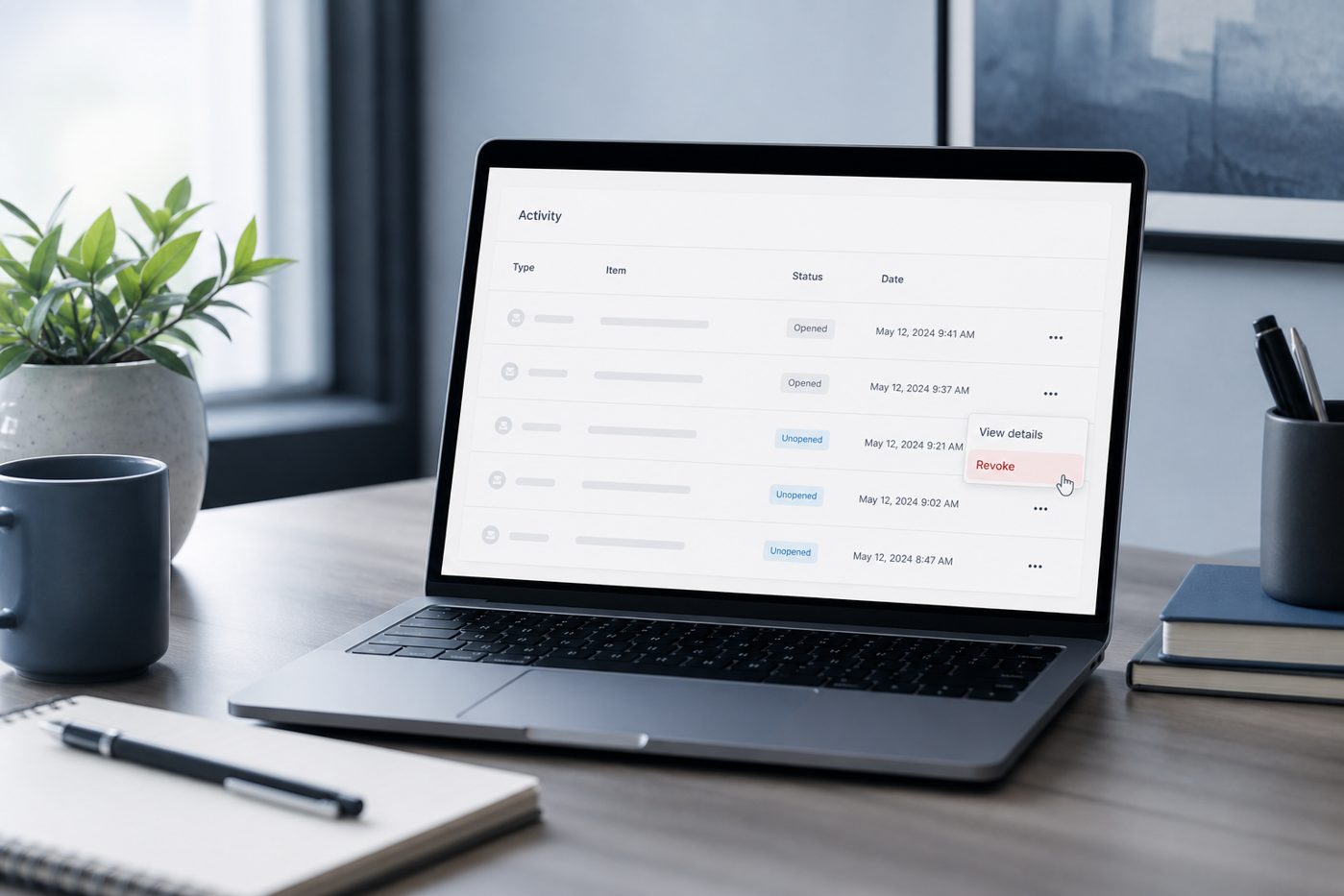
If a note has not been opened yet, you can revoke it from the create-success screen or from Account → Activity. The link stops working; recipients who arrive later see that access is gone.
Revoke is the right move when you pasted the wrong recipient, spotted the secret in the wrong chat, or decided the handoff should wait. It is not remote deletion of a file someone already downloaded after reveal—no honest E2EE handoff tool can promise that.
- Create the note on Starter or Business
- If something looks wrong, revoke immediately from the success screen
- Or open Account → Activity and revoke while status is still unopened
- Send a replacement note if the recipient still needs the secret
Need take-backs and receipts on sensitive handoffs?
Create a note you can revokeProof of access without content leaks
A privacy-safe status record: the link was accessed—not a transcript of reading.
Proof of access is designed for operational and compliance conversations that need evidence of delivery events without putting secrets into email or tickets.
The timeline stays high level: created, link opened, attachment downloaded (when tracked), destroyed, expired, revoked. That matches the privacy stance of open alerts: status, not substance.
Read the label carefully
Proof of access is a receipt that the link was accessed—not cryptographic proof that a specific human carefully read every word, and not DRM against screenshots.
How revoke and proof fit together
Prevent access when you can; document access when you must.
| Situation | Use | Outcome |
|---|---|---|
| Wrong recipient, still unopened | Revoke | Link dies; create a corrected note |
| Handoff completed, auditor asks “was it opened?” | Proof of access | Show timeline events without content |
| Note already revealed | Rotate the secret / assume exposed | Revoke no longer recovers plaintext copies |
| Waiting on recipient | Alerts + lifetime | Follow up or auto-expire if never opened |
Frequently asked questions
Can I revoke after the recipient opened the note?
Revoke targets unopened notes. After reveal, assume the recipient could retain what they saw; rotate credentials or treat the document as delivered.
Does proof of access include the message text?
No. It is a status timeline only. Contents remain outside Activity and proof views.
Is revoke available on Free?
Revoke and proof of access are Starter/Business capabilities. Free users still get encryption, short lifetimes, and open alerts once signed in with a verified email.
Where do I find proof later?
Open Account → Activity, find the note, and choose View proof of access when the plan supports it.
The bottom line
Control the unopened link; document the opened one.
Encryption answers “who can read this in transit and at rest.” Revoke and proof answer “what do we do next.”
Use them with verification codes and open alerts for a complete handoff loop—from send, to confirm, to take-back or receipt.
Take back an unopened secret.
Revoke links that should never open, and keep a privacy-safe timeline when you need to show that a handoff was accessed—without emailing the secret.
Create a private note


